FRAME SMART
...
The next-generation BIM platform for architects, engineers and framing teams. Upload IFC, SketchUp (.skp) and ScotSteel (.sdp) models, explore them in 3D, cut sections, and show clients the result in AR — all from your browser.
Formats
No app needed
No client login
Scan the code, point your phone at the floor and place the model in your own room. Walk around it, move closer and check every detail. No app, no account.
Opens in your browser. Works on Android with Chrome and on iPhone with Safari.
A complete BIM collaboration platform packed with tools to streamline your workflow from design to construction.
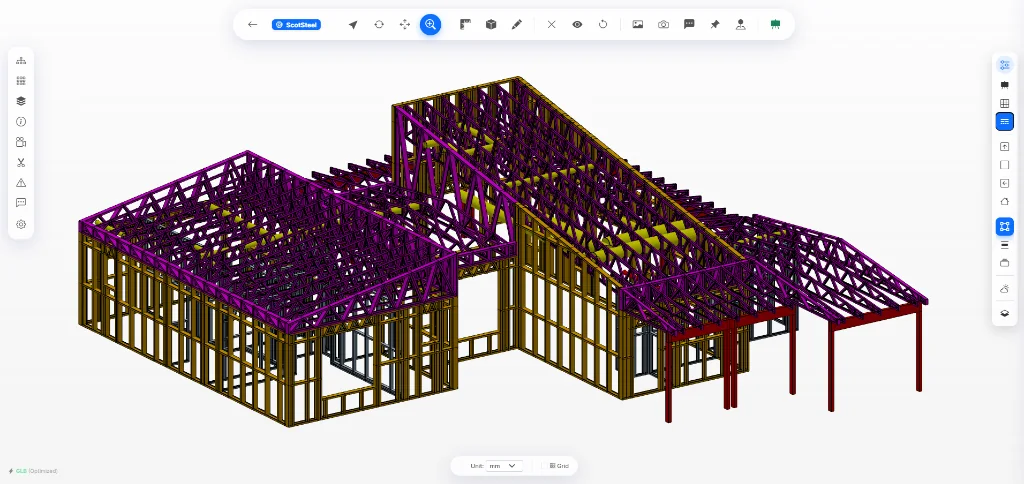
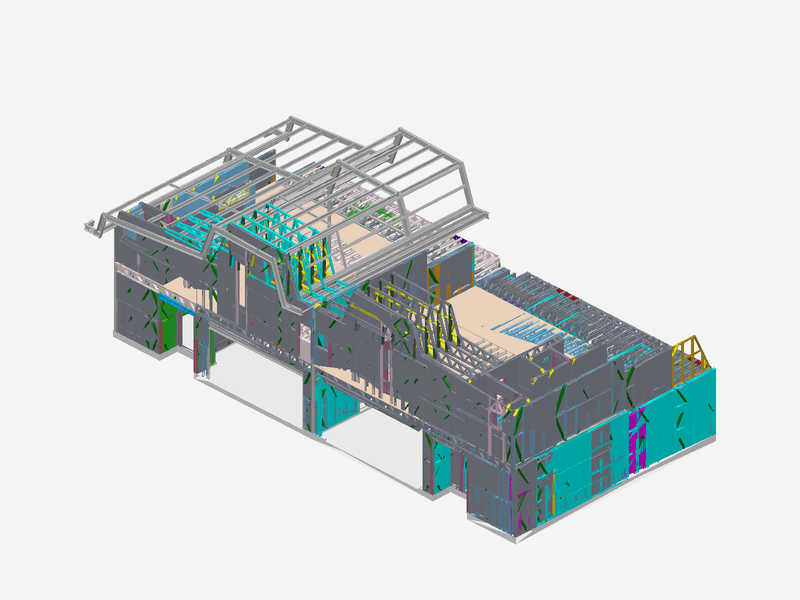
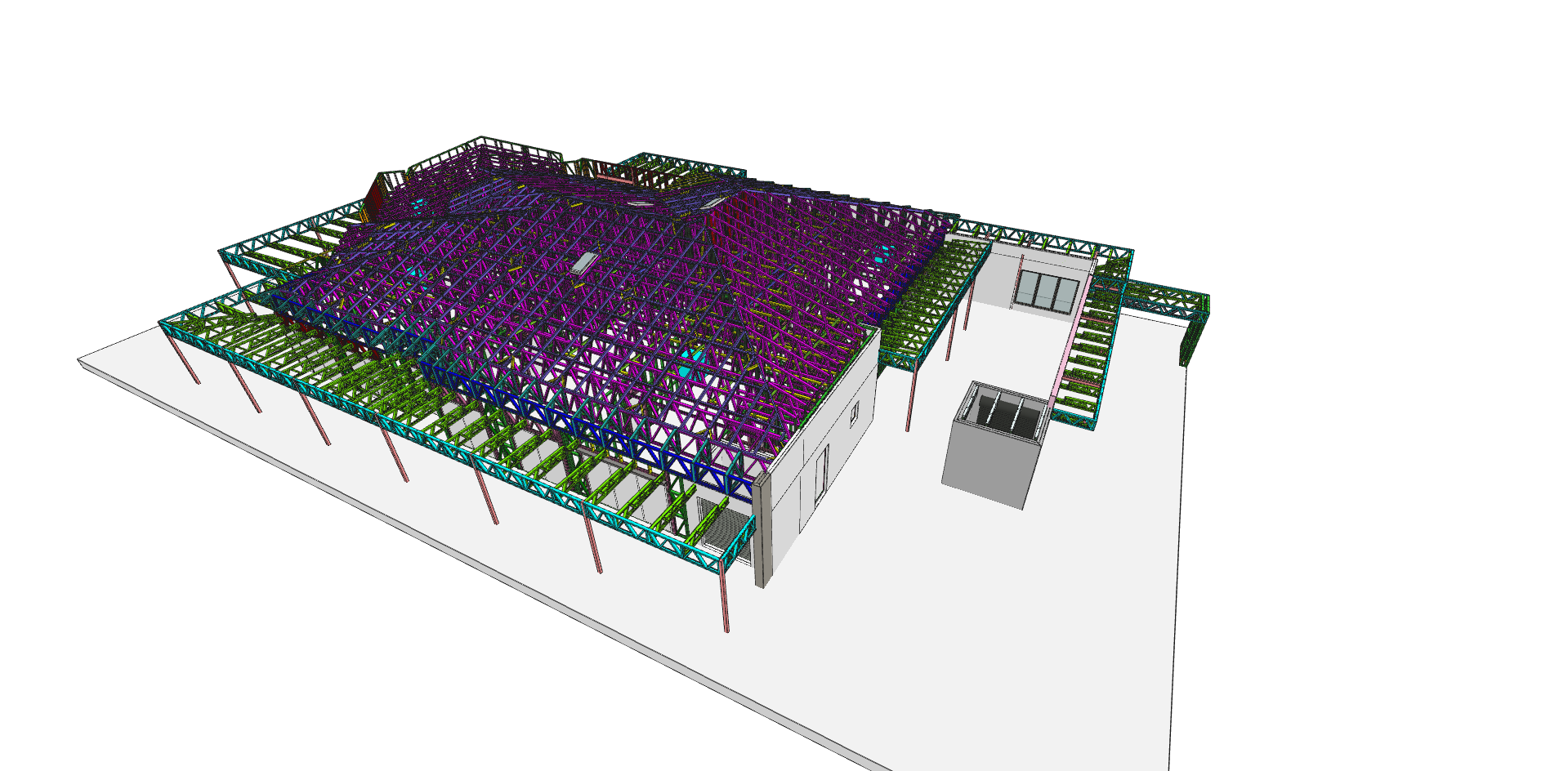
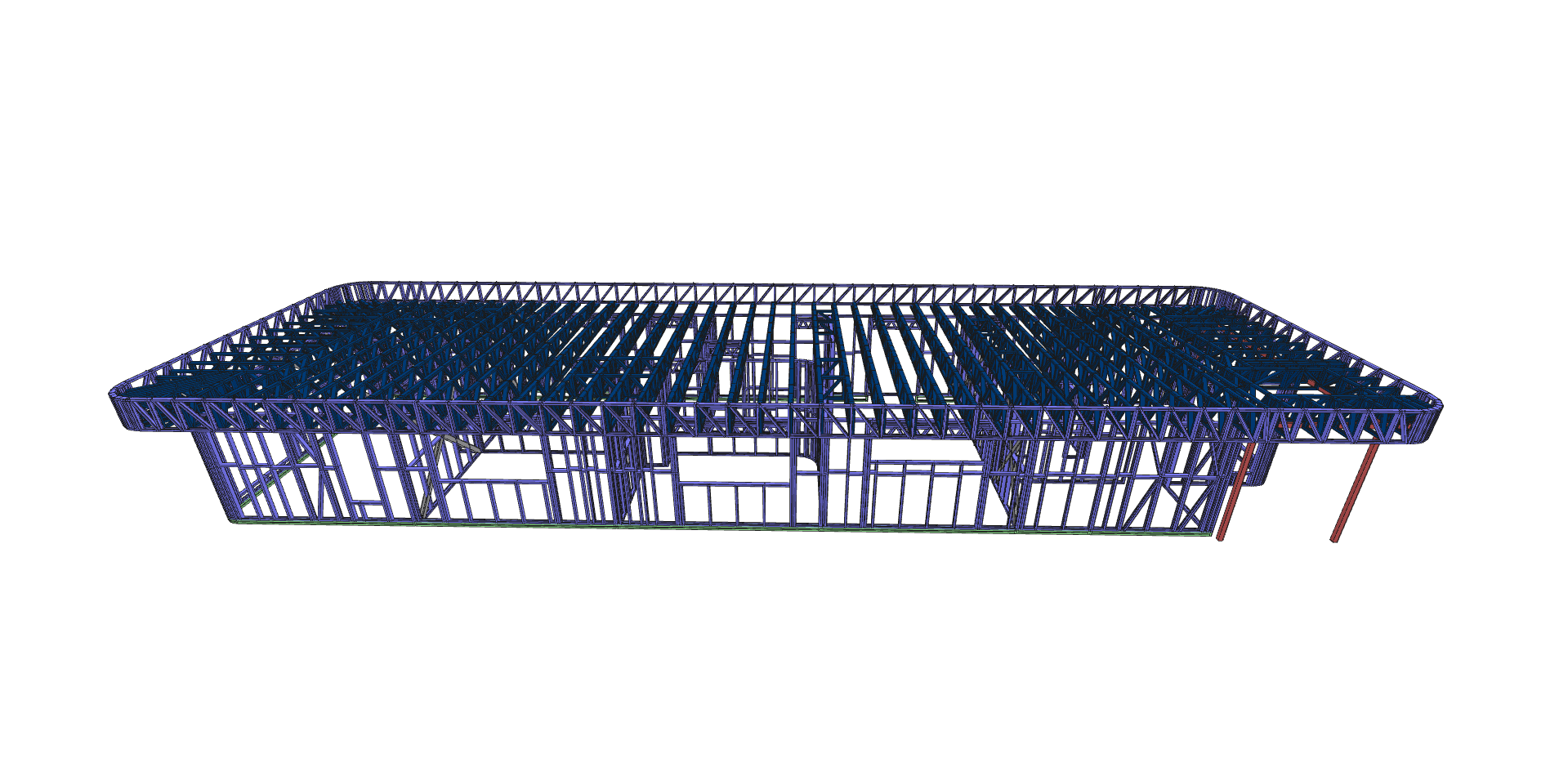
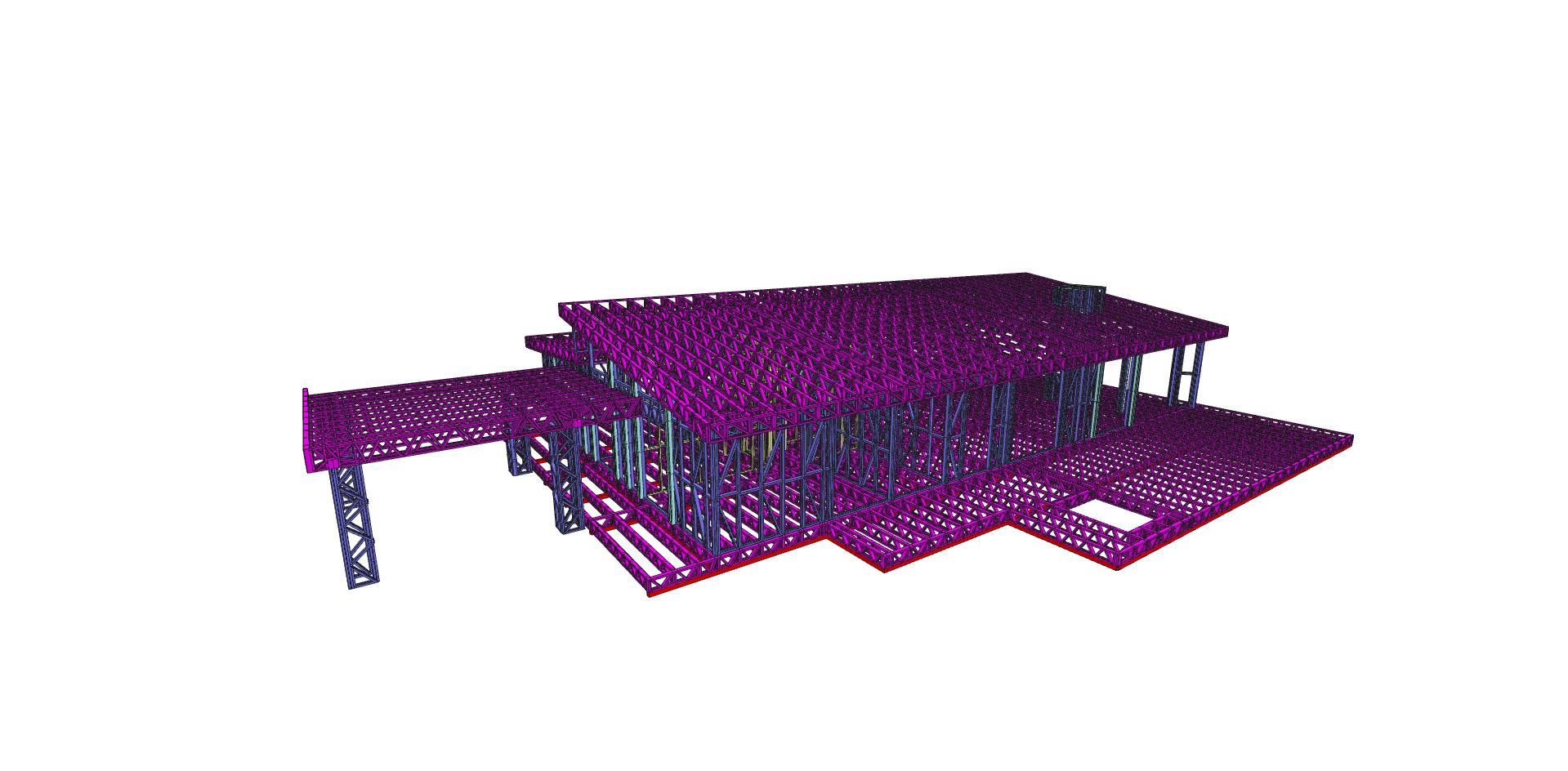
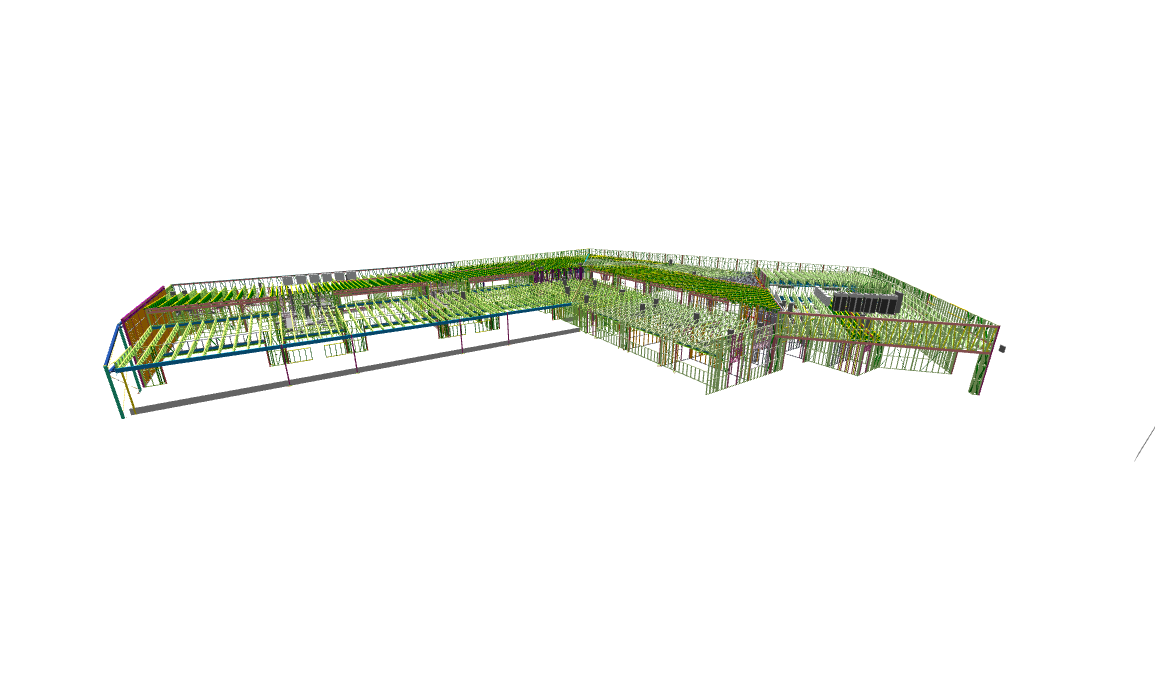
Upload and view IFC, SketchUp (.skp) and ScotSteel (.sdp) models in fast, interactive 3D. Orbit, pan, zoom, and inspect every member of your design.
Pin comments directly on 3D models, reply in threads, and keep discussions organized and contextual.
Create cinematic presentations of your models with custom camera angles, backgrounds, and professional framing.
Record voice or video notes directly within the viewer. Communicate ideas faster than typing — perfect for design reviews.
Place your model in the real world in AR. Share a QR code or link and anyone can open it on their phone: no app, no login. Ideal for client presentations and on-site checks.
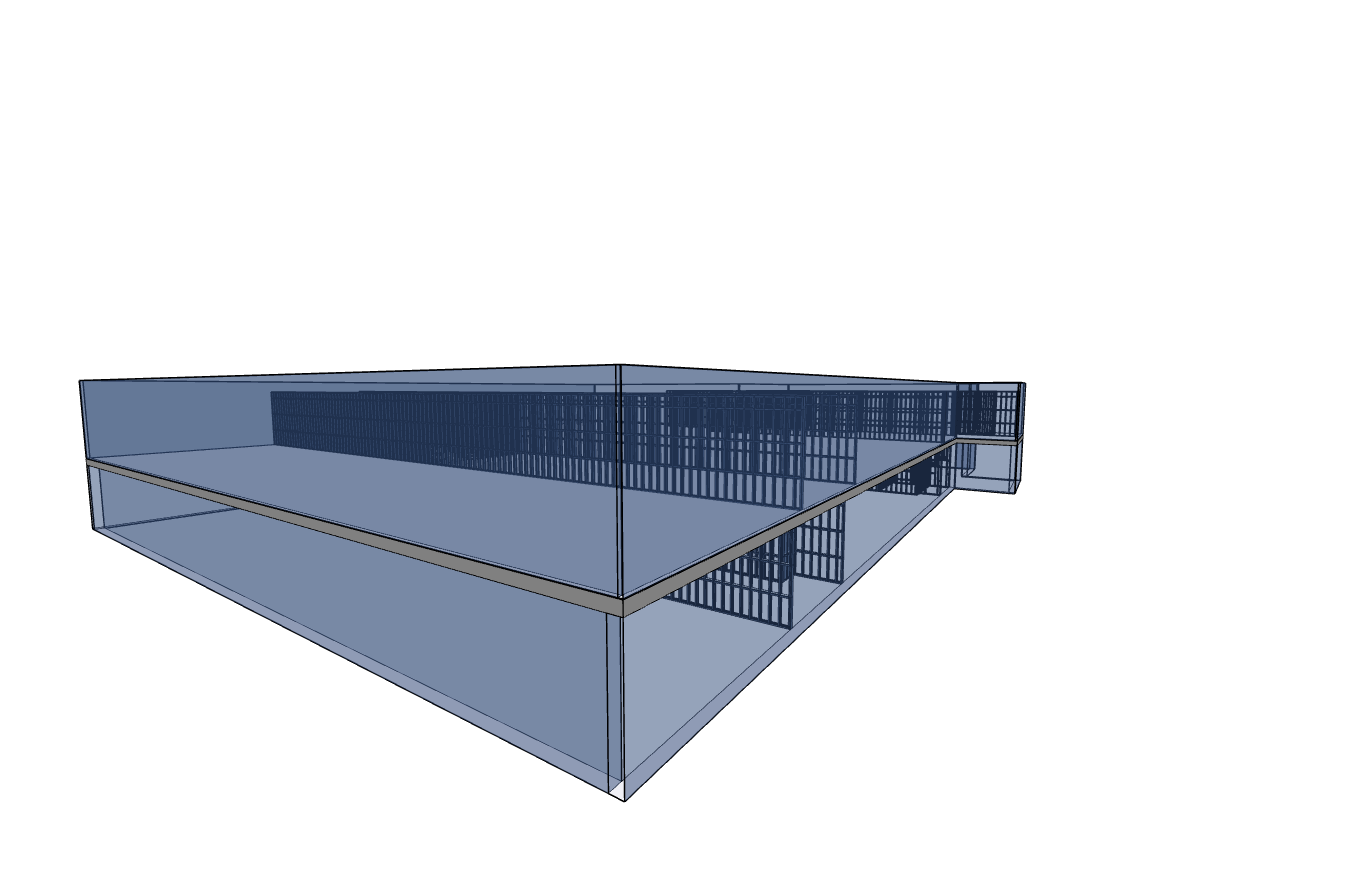
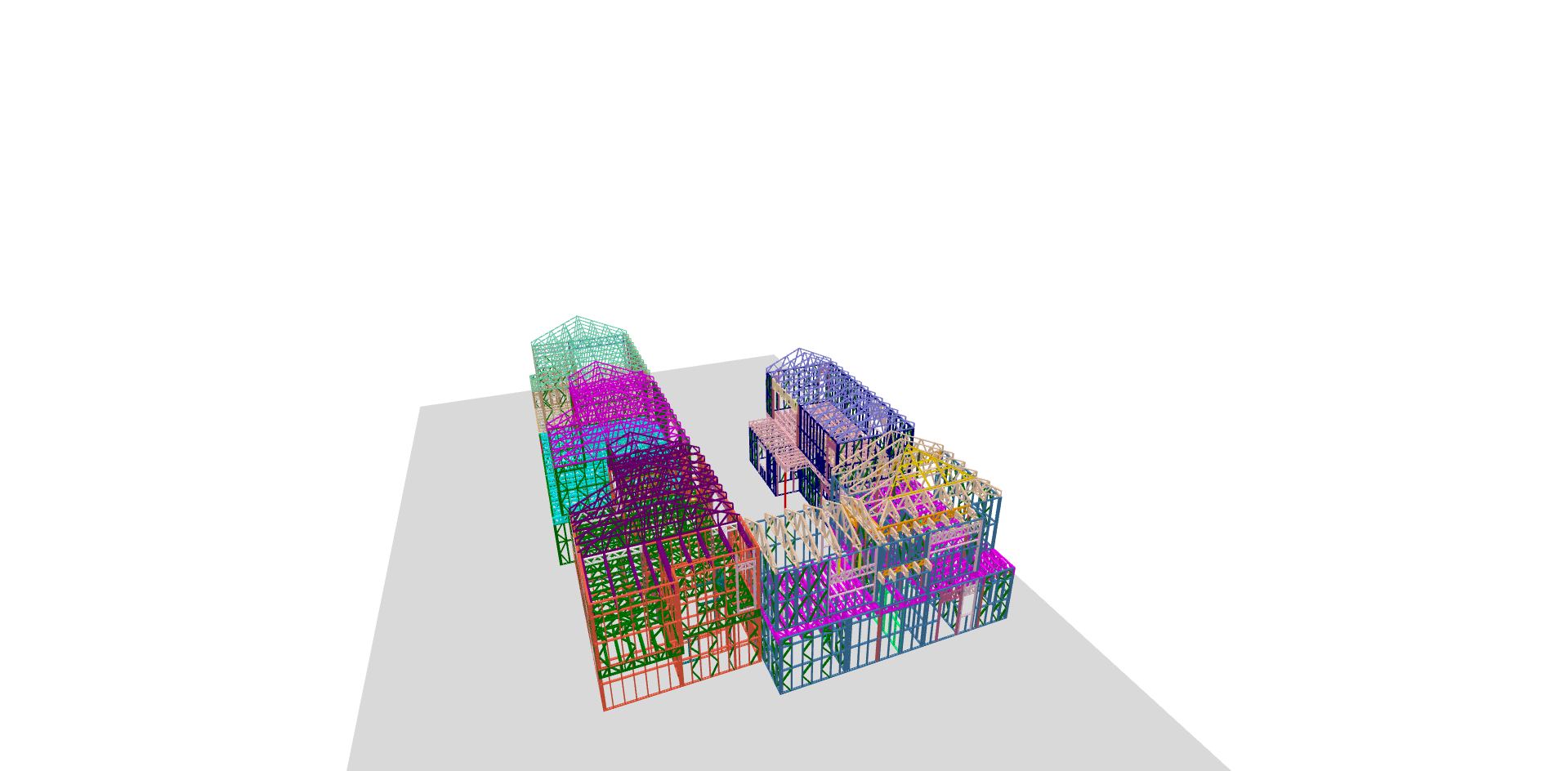
Cut sections from the top, front, back, bottom or sides, switch layers on and off, and give any layer or part its own colour to make a point clear.
Select a part, a whole assembly or an entire layer in one click. Hide, isolate, focus or invert the selection to find exactly what you are looking for.
Open ScotSteel and FrameBuilder models with their assemblies, members and layers intact, so trusses, walls and floors stay easy to read and review.
Showcase your best projects in a stunning public portfolio. Share interactive 3D models with the world. Explore community →
Browse stunning 3D models shared by architects and engineers around the world. Explore interactive BIM models right in your browser.
No complex setup or software installation needed. Start collaborating on your BIM projects in three simple steps.
Drag and drop your IFC, SketchUp (.skp) or ScotSteel (.sdp) file. Our cloud engine converts it, prepares it for instant viewing in the browser and makes its preview picture for you.
Explore your model with professional inspection tools — section cuts from any side, 3D measurements, element hierarchy, layers with colours, and camera presets.
Send a secure view link, or a QR code that opens the model in AR on any phone. Add pinned 3D comments, discuss issues, and keep everyone aligned.
Clear, transparent usage limits designed to scale with your team — here is how they work.
The number of models you can have stored at the same time. Delete old or completed models to free up slots for new projects anytime.
The total number of models you can upload within a single billing cycle. Resets automatically every renewal month.
The number of projects you can share with clients or partners so they can view and comment without needing their own paid account.
Hit your upload cap mid-month? Easily request additional upload slots directly from your account dashboard without upgrading your plan.
Start free with generous limits. Upgrade when you need more power and storage.
Practical guides, comparisons, and tips for architects, engineers, and construction teams working with BIM.
Open and inspect IFC files directly in your browser — no software download required. Compare free online IFC viewers.
Understand the key differences between IFC and GLB file formats. Learn when to use each for your BIM projects.
Everything architects and engineers need to know about Building Information Modeling — from basics to mandates.
Join teams around the world who use Frame-Smart to streamline their design collaboration.
Whether you have questions about custom enterprise plans, feature requests, or technical support, our team is here to help.
24/7 Monitoring for active cloud rendering & viewer services.
Enterprise Software Solutions for Construction & BIM Digital Twin Tech.
Visit Official WebsiteFill out the form below and our team will get back to you right away.